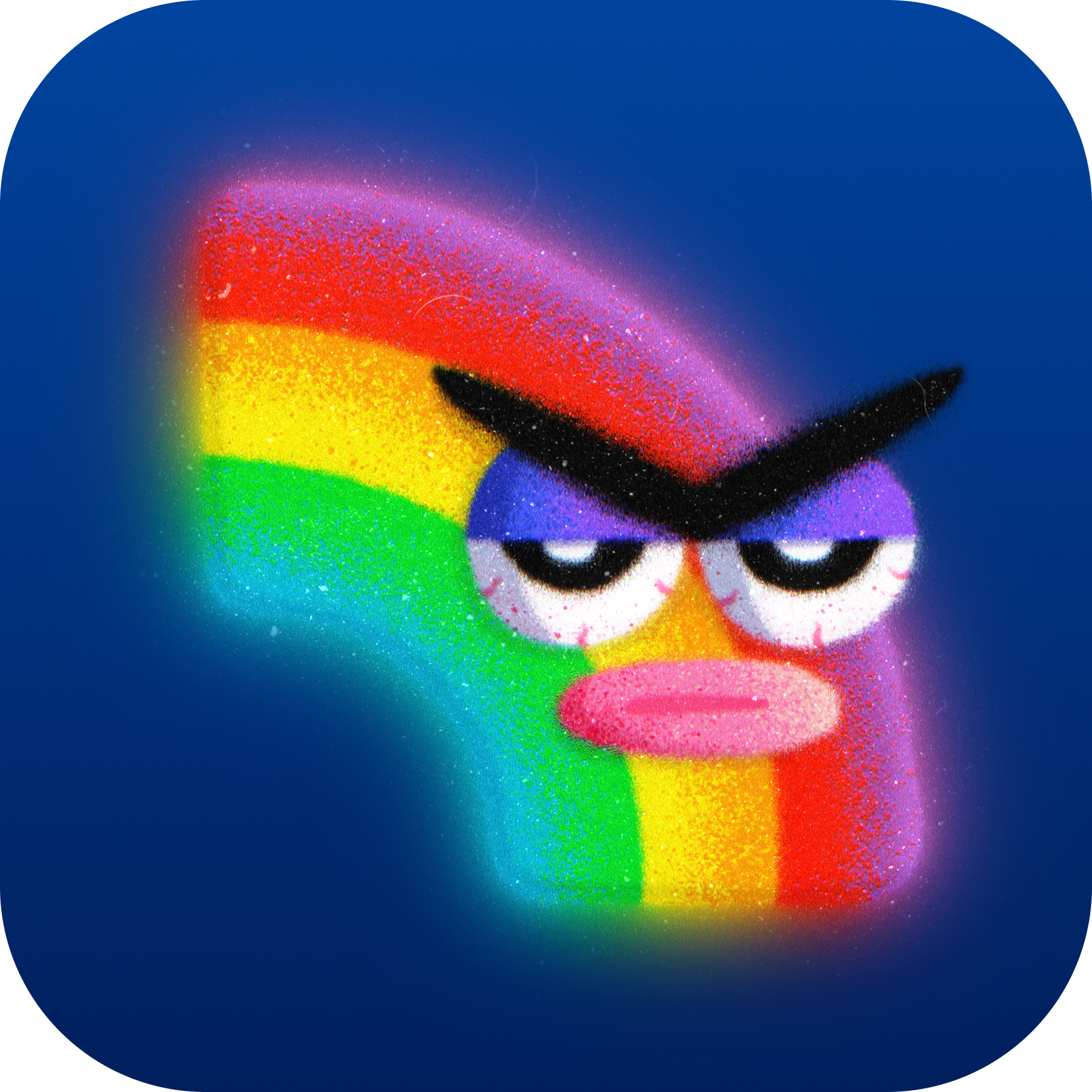

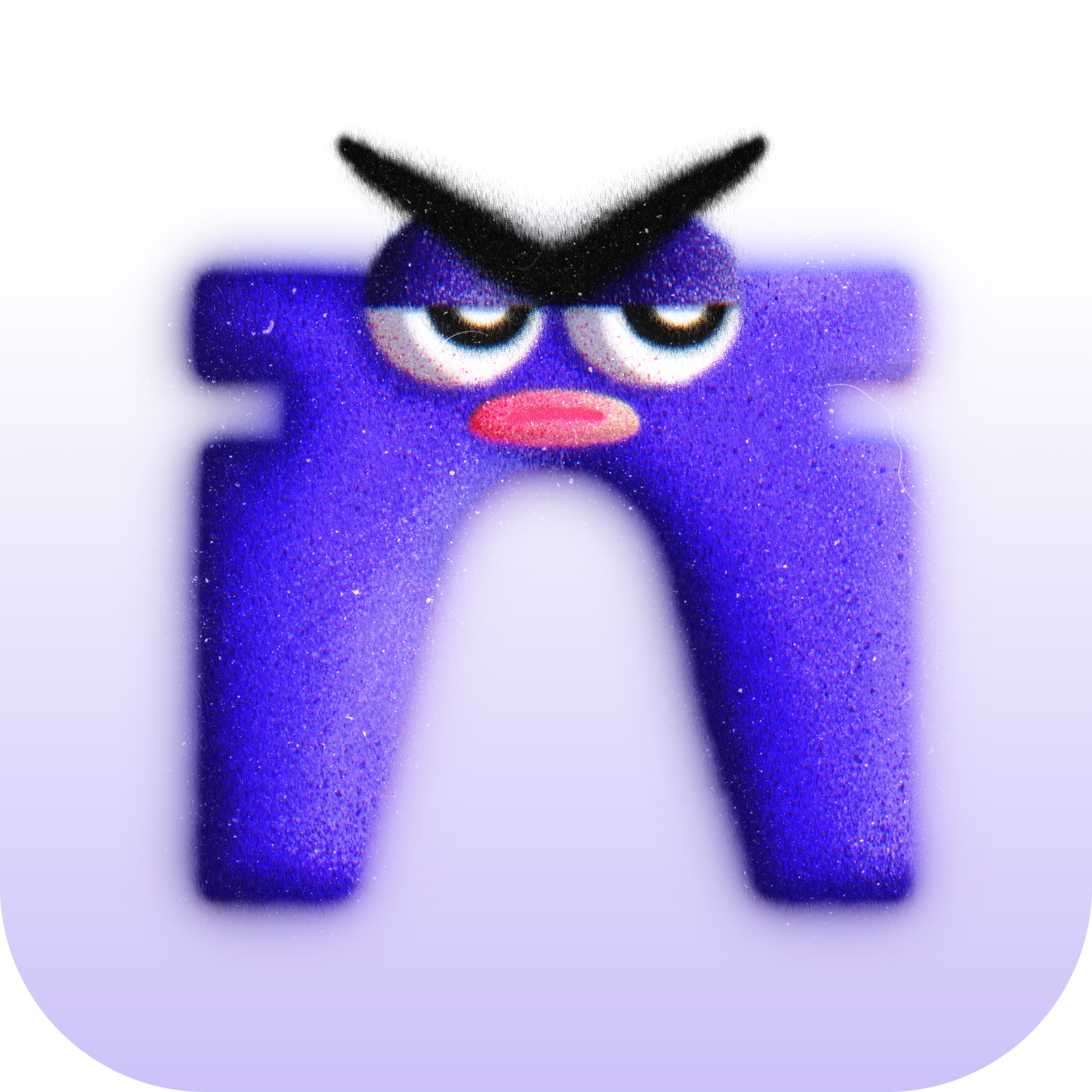
UNIMOJI App Icons

Tap or click any icon to open full size, then save to Photos.
Designed by UNIBROS.

Rainbow Unimoji Icon
Rainbow 🌈
Base Unimoji Icon
Base 🟦
Farcaster Unimoji Icon
Farcaster 👖
Zora Unimoji Icon
Zora 🔮

How to Use on iPhone (Shortcuts Method)

  1. Open the Shortcuts app.
  2. Tap the +Add Action.
  3. Search for Open App and tap it.
  4. Tap the word App → choose the app you want this UNIMOJI to open.
  5. Tap the Info (ⓘ) or Details button → Add to Home Screen.
  6. Tap the icon thumbnail → Choose Photo → pick your saved UNIMOJI image.
  7. Rename the shortcut (optional) → tap Add.

💡 Tip: You can hide your original app inside the App Library to keep your home screen clean.